The Cisco Annyconnect software has been updated. The latest version can be found here. Or you can download direct from EMIS from here.
Installing The New Cisco Anyconnect or Upgrading

Choose save

Then when downloaded click open folder
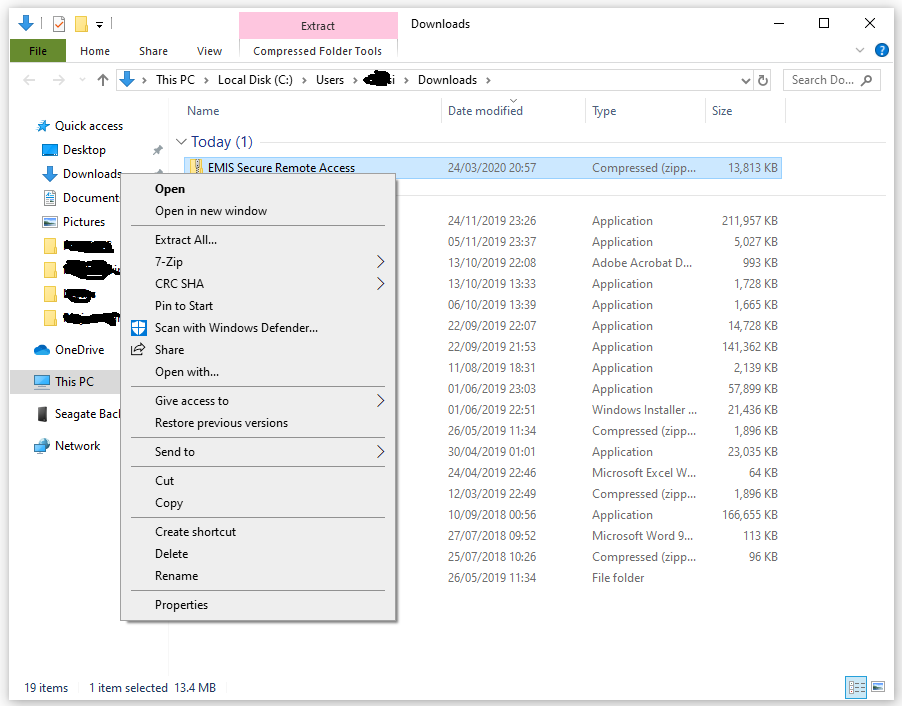
Right click on the file and select extract all

Click Extract. The extracted files should appear as below:

Then double click on the Install-emis-Secure-Remote-Access file.
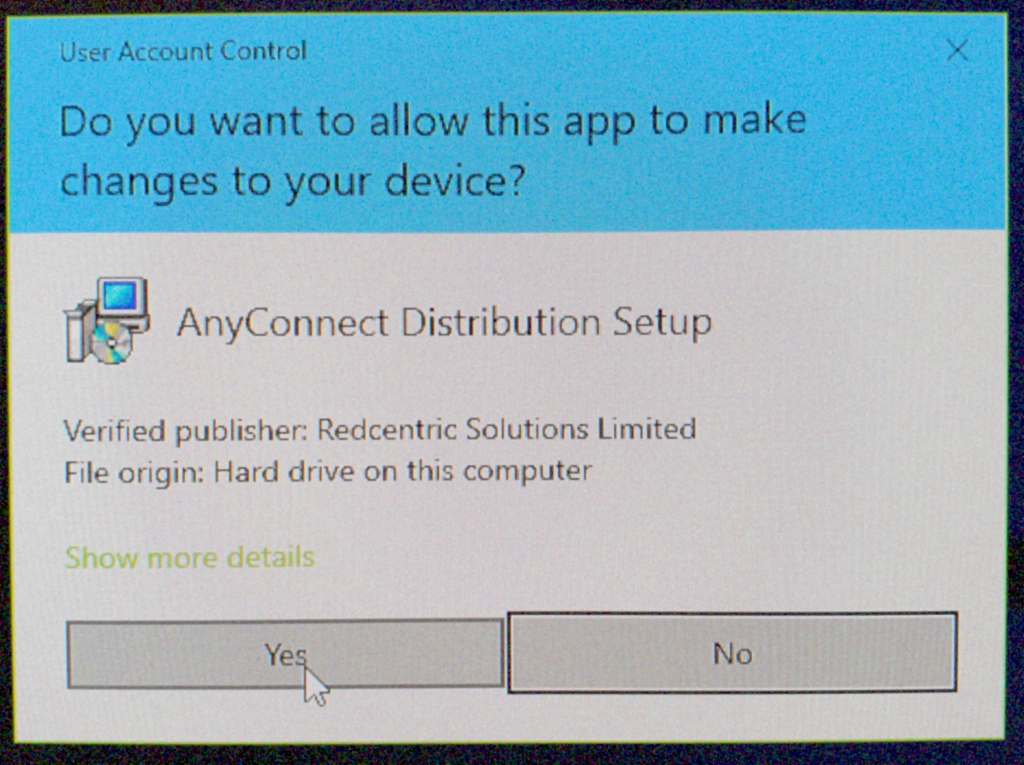
Click Yes
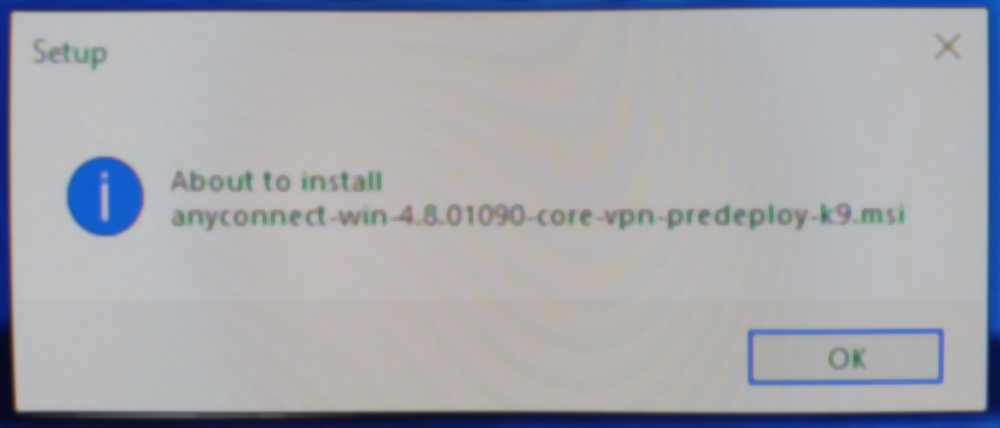
Click OK

Click Install

All the installer to complete that step.

Click Next

At this point you may be asked to allow the system to stop a component that needs upgrading. Approve that and click OK.

Click through the options to proceed, next, agree, install etc. Once complete click the finish button.
That should be the vpn client update.
Re-Installing the Client
If upgrading the client doesn’t work then you may have to uninstall and reinstall it. The guide from Egton is below. YOU DO NOT NEED TO DO THIS IF THE ABOVE HAS WORKED.